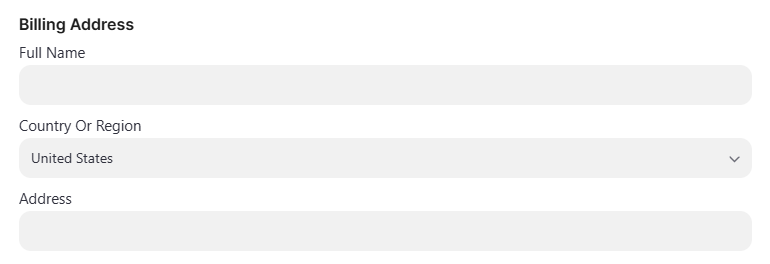
How do I subscribe to IDScan.net products using ACH payments?
Learn how to connect a US bank account for subscription payments instantly using secure bank login via Link, or within two business days via manual entry and micro-deposit verification.
Adding Your Bank Account
Instant Verification via Link
-
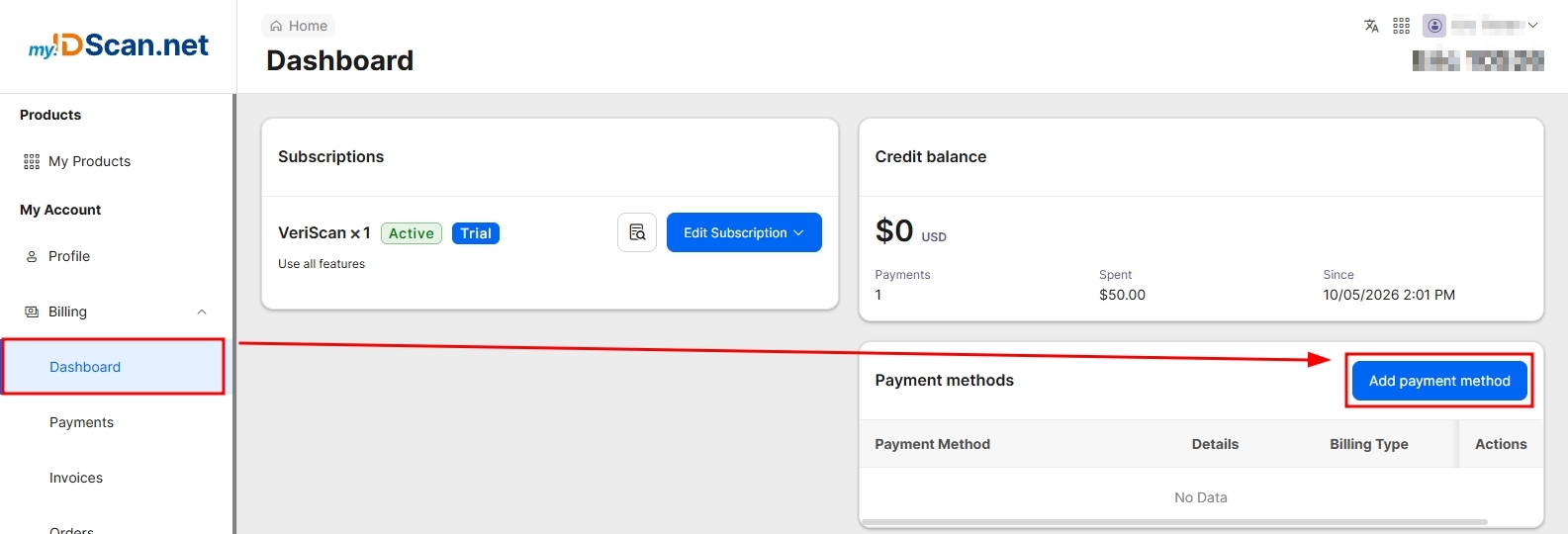
Sign into my.IDScan.net and navigate to your billing Dashboard.
-
Select Add payment method.
-
Select US bank account.

-
Enter your email address and full name.

-
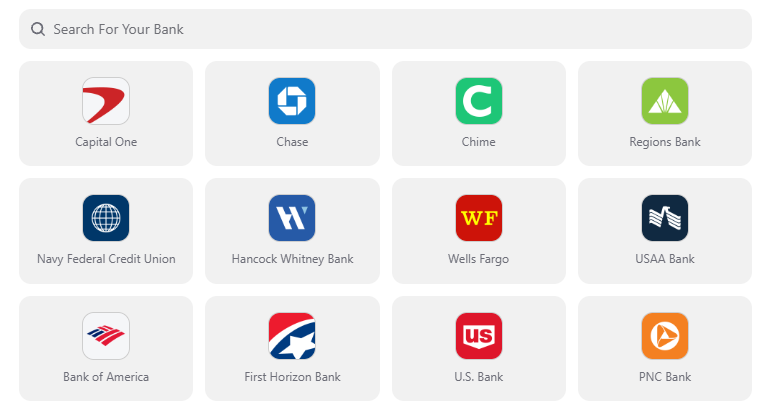
Select your bank from the list or use the search option.
-
Follow the prompts to sign into your bank account using a secure connection through Link.
Enter Bank Details Manually
If you're unable to find your bank or would prefer to enter your bank details manually, you can select the Enter bank details manually option.
This method involves the verification of 2 micro-deposits to your account, and may take up to 2 business days to complete depending on your bank.
After submitting your bank details, you'll be presented with the option to verify your micro-deposits right away. If your bank has not processed them yet, you can always come back to this from the billing dashboard page and clicking the 'Verify with micro-deposits' button.
In your bank statement, look for the transactions that start with SM. This is what you'll need to use to verify these micro-deposits.

Once you have verified the transactions, you should see a Verified status next to your payment method.

Using your Bank Account as a Payment Method
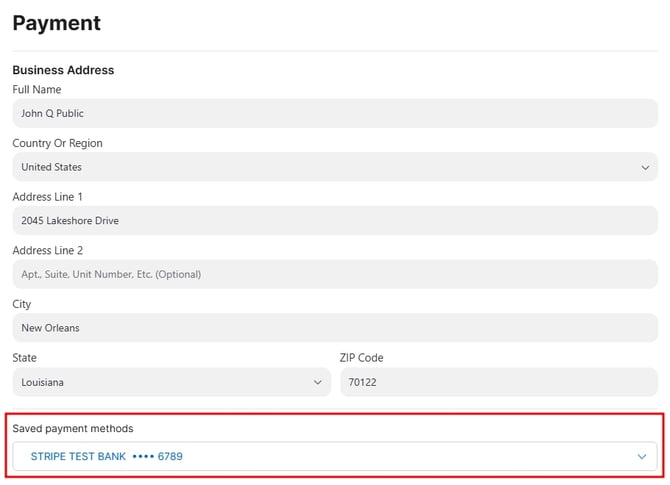
Continue through the subscription process and select your bank account from the available payment methods.